How to Join Orca IDE Beta on iOS
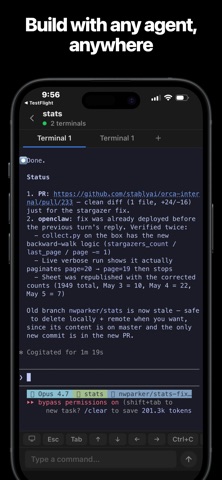


About Orca IDE
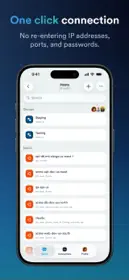
Orca Mobile is the companion app for Orca, the open-source agentic coding workspace for macOS, Linux, and Windows. Pair your iPhone to your desktop in seconds and pick up a terminal session from the couch, the kitchen, or across the office.
WHAT IT DOES
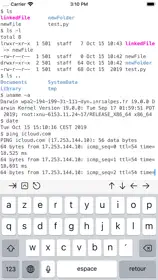
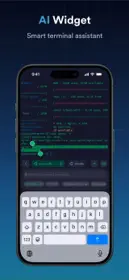
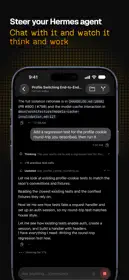
- Live mirror of your desktop terminal, including running AI agent sessions (Claude Code, Codex, custom CLIs).
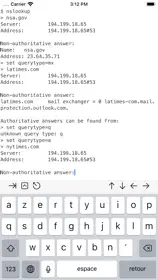
- Full keyboard input — type, tab-complete, Ctrl-C, scroll back, all from the phone.
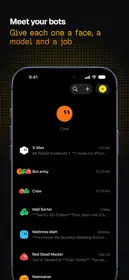
- Multi-worktree, multi-terminal: jump between projects with a tap.
- Phone-fit zoom and a smart on-screen keyboard with quick Ctrl/Alt accessory keys and shortcuts.
- Background long-running commands and get a notification when a TUI goes idle (e.g. when Claude finishes thinking).
HOW IT WORKS
Orca Mobile is a thin client. Nothing runs on your phone except the viewer. Your code, your shells, your AI agents — all of that stays on your desktop. The phone shows you what's happening and forwards your keystrokes back over an encrypted local-network connection.
Pairing is end-to-end encrypted. Your desktop generates a one-time keypair and shows a QR code; you scan it from the app. After that, all traffic between phone and desktop is sealed with that pair's keys.
PRIVACY
- No analytics SDK, no crash reporter, no third-party SDKs of any kind in the iOS app.
- Pairing tokens and your preference list live in the app's own sandbox. The app's traffic to your desktop is end-to-end encrypted on your local network only.
- The Orca desktop app collects anonymized usage metrics per the policy at https://www.onorca.dev/privacy. The mobile app itself does not.
- Open source: every line is auditable at https://github.com/stablyai/orca.
REQUIREMENTS
- An iPhone (iOS 16+) on the same Wi-Fi as your desktop.
- The Orca desktop app, free, from https://www.onorca.dev/ or https://github.com/stablyai/orca/releases.