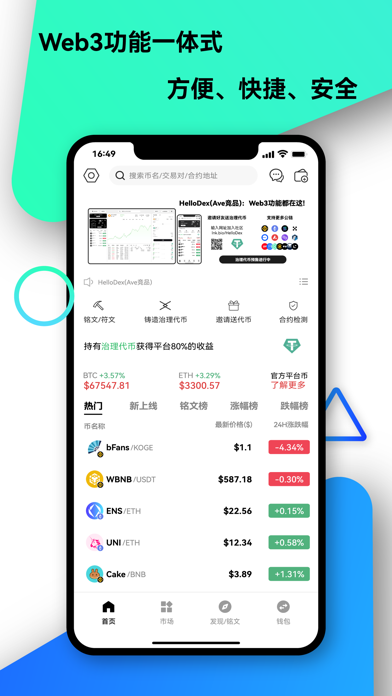
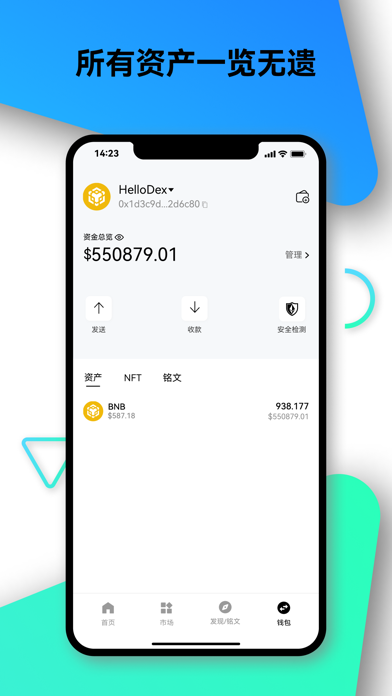
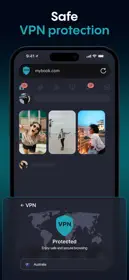
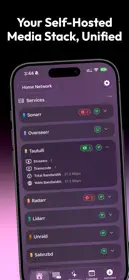
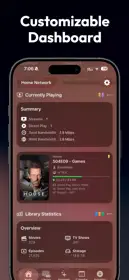
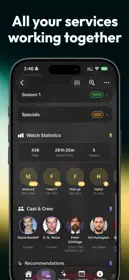
How do I join the HelloDex Pro TestFlight beta on iOS?
First, download Apple's official TestFlight app from the App Store on your iPhone. Then return to this page and select "Get Early Access" above. Your device will automatically open TestFlight and prompt you to accept the developer's beta invitation. Tap "Accept" and then "Install" to start testing HelloDex Pro. If it says "This beta is full", tap "Get Slot Alerts" to be told when a slot opens.
Do I need a code to join the HelloDex Pro TestFlight beta?
No. A public TestFlight beta has no code: anyone with its public link can join until the tester limit is reached. Codes are only for private invitations a developer sends by email. Install TestFlight, then select "Get Early Access" on this page.
Is testing HelloDex Pro on TestFlight safe and free?
Joining is free, and TestFlight is Apple's official beta testing service. Apple reviews beta builds before they can be shared through a public link, and beta apps run in the same sandbox as App Store apps, so they can't access your data without your permission. Betas can still have bugs. The beta is made by Hello Global Limited.
What should I do if the HelloDex Pro TestFlight beta says "This beta is full"?
A TestFlight beta can have up to 10,000 external testers, and developers can set a lower limit. Spots open up again when testers leave the beta or when Hello Global Limited removes inactive testers, which often happens around a new build. Select "Notify Me" on this page for an email the moment a seat opens (CodeWing Plus) or follow our free Telegram channel. You can also find similar betas in the Utilities category.