
Getting Started with the Lappr Beta


About Lappr
Swim your lane. Let Lappr do the counting.
Lappr uses your iPhone’s front camera to count your swimming laps. Set your phone beside the pool, start your workout, and focus on your swim. No watch is needed.
SET UP. START. SWIM.
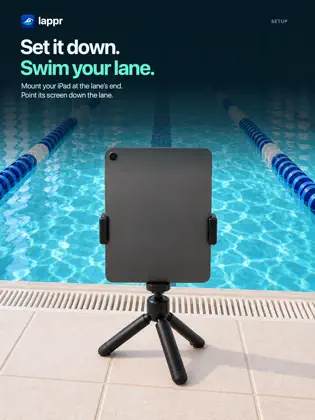
Place your iPhone on a small mount or tripod at the end of your lane. Keep it on the dry pool deck. Point the screen down the lane.
Lappr counts a lap each time you swim out and return to the phone.
CHOOSE YOUR WORKOUT
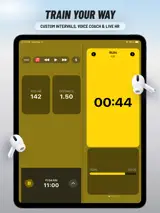
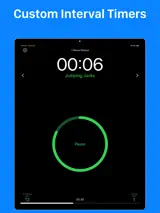
- Swim freely, or set a distance or time goal.
- See your swim time, lap count, and distance.
- Track your progress toward your goal.
- Pause for a break and resume when ready.
SEE EVERY SPLIT
- Review your lap times and pace.
- Compare your fastest and slowest laps.
- Check and correct your lap count.
- See your workout history and monthly totals.
SAVE AND SHARE
Send your workouts to Apple Health or Strava. Export a workout file. Sign in with Apple to back up your workout history and restore it on a new phone.