
Getting Started with the Lemonade Mobile Beta
About Lemonade Mobile
Talk, type, draw, and search with the AI you self-host. Lemonade
Chat is the polished mobile client for your Lemonade AI server — no
cloud account, no subscription, no telemetry. Just a clean app that
turns the LLM, image, and voice models you run at home into a
phone-friendly experience.
Whether you're chatting from the couch, on a flight, or running
your AI on a beefy desktop next door, Lemonade Chat keeps the
conversation in your pocket.
WHAT'S NEW IN 3.0
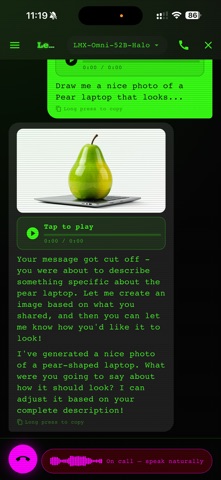
PHONE-CALL VOICE MODE
Tap the call button in the chat input and start talking — naturally,
like a phone call. The AI listens, transcribes what you said, thinks,
and replies aloud. Adaptive pause detection (Silero VAD) means you
can pause mid-thought without getting cut off. Each turn is saved
to chat as a normal message with both the audio clip and the
transcript. Hang up by tapping end-call or just telling the AI
("end the call", "goodbye", "I'm done") — it understands.
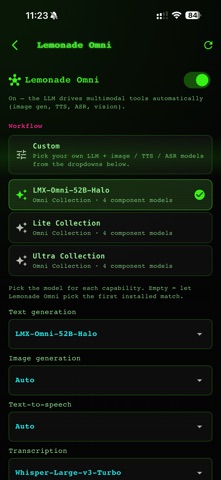
LEMONADE OMNI
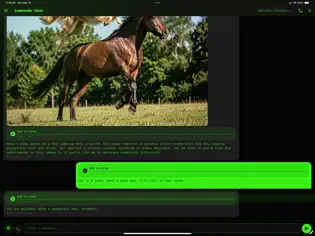
Stop hunting for the right tool. Just say (or type) what you want:
- "Make me a picture of a sunset" → generates a new image.
- "Add a hat to her" → edits the previous image.
- "Read this aloud" → speaks the answer.
- "What's in this photo?" → analyzes an image you sent.
- "Find a coffee shop near me" → finds places by name + address.
- "What's the latest on X?" → searches the live web.
Voice or text — same experience either way. Tools run concurrently
when the request needs more than one, so research-heavy turns stay
fast.
IMAGE ACTIONS
Tap any image to open it fullscreen with pinch-to-zoom, then share,
download to Photos, or delete with one tap. Image generation now
supports 512 / 1K / 2K / 3K / 4K presets — pick the quality you
want in Settings.
THEMES
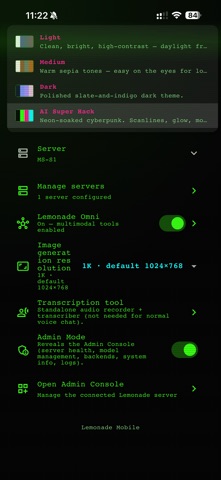
Multiple built-in themes, light and dark. Pick one in Settings.
CORE THINGS THAT KEEP GETTING BETTER
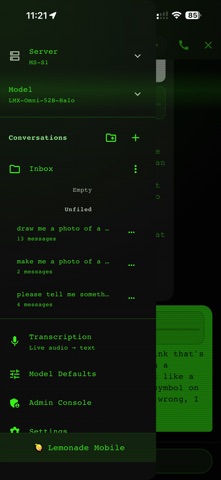
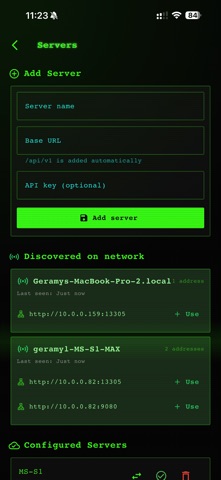
Multi-server management — switch between local boxes, cloud GPUs,
and a friend's instance with one tap. Per-chat model overrides for
when you need a specific LLM. Selected model now persists across
restarts (including Omni Collections).
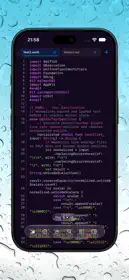
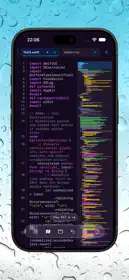
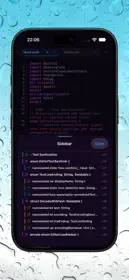
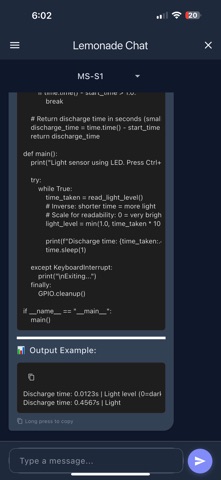
Folders for organizing chats. Beautiful code rendering with
automatic language detection. Real-time streaming — answers appear
as the AI generates them. Persistent local chat history with
attachments stored on-device.
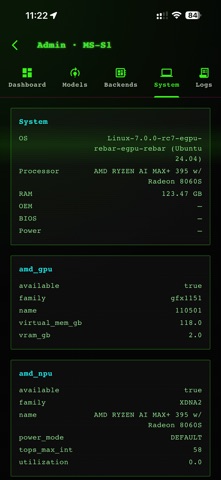
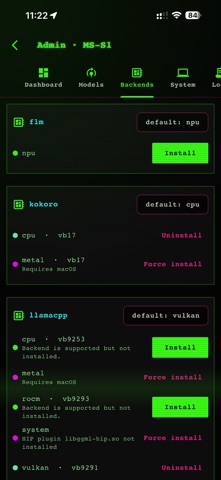
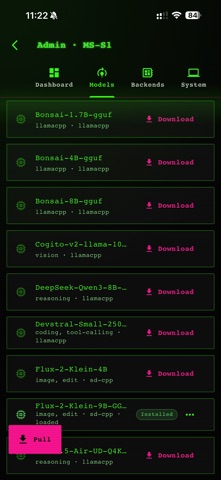
Optional Admin Console for power users (server health, loaded
models, hardware info, backends, live logs) — hidden until you
turn it on in Settings.
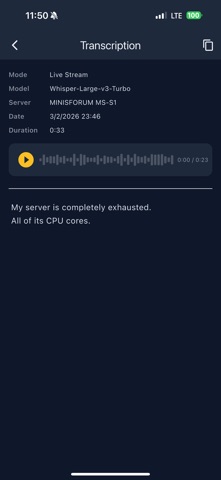
Standalone live transcription tool still available for one-shot
audio → text workflows.
GROUNDED IN OPEN SOURCE
Built to work with the lemonade-sdk server, which runs on Linux,
macOS, and Windows. Bring your own LLMs (Qwen, Gemma, Llama,
Mistral, …), image models (SD, Flux, …), TTS voices (Kokoro and
friends), and Whisper for ASR. Lemonade Chat is the front door.
PRIVACY
This app talks only to the server you configure. No analytics, no
third-party SDKs, no Lemonade cloud. Conversations and server
configs live locally on your device. Your API keys stay in your
control.
GETTING STARTED
Add your server URL and (optional) API key in Settings → Manage
servers, pick a model, and start chatting. Or tap the call button
to skip typing entirely.