
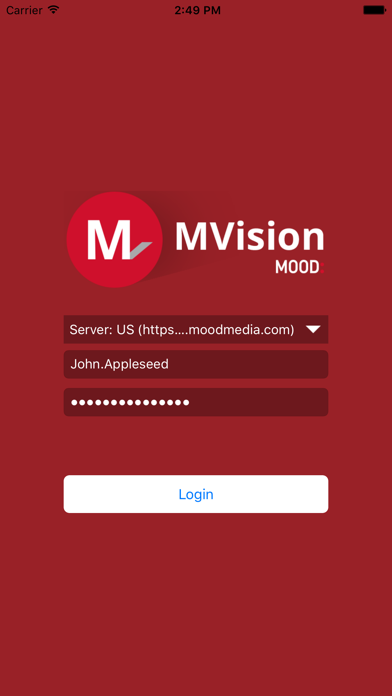

Welcome back to Codewing, your definitive source for hands-on iOS beta coverage and app discovery. Today, we are putting our primary focus on an essential utility tailored for professional environments and hardware setup.
If you have been hunting for a reliable way to configure and manage your hardware infrastructure straight from an iPhone or iPad, this release deserves your attention. Let us walk through everything you need to know about getting the build running on your device.
MVision — Quick Specifications
Developer: Mood Media Corporation
About MVision
Developed by Mood Media Corporation, MVision is built from the ground up to let you setup your MVision player directly from your iOS device. Instead of relying on legacy desktop configurations or cumbersome wired tethering, administrators can handle player initialization right in the palm of their hand.
The core premise centers around streamlining digital signage deployments, media network maintenance, and hardware management workflows. Mood Media Corporation brings years of commercial media expertise to this utility, ensuring that setup wizards and diagnostic panels are optimized for speed and reliability in the field.
Whether you are provisioning a single display in a boutique retail storefront or managing hundreds of endpoints across a global enterprise footprint, MVision serves as the central command node. The app abstracts away the complicated network handshakes, presenting clean mobile interfaces that cut down deployment times drastically.
Standout Features & What's New in this Build
As an active beta release distributed through Apple's TestFlight infrastructure, this build brings a series of quality-of-life adjustments aimed at stabilizing the initial handshake protocols. The development team has clearly focused on refining how mobile devices discover and pair with localized player hardware over secure local networks.
Here are the key highlights and functional pillars included in the current TestFlight build:
- Direct Hardware Provisioning: Configure network settings, output resolutions, and playback credentials without touching physical peripheral inputs.
- Streamlined Discovery: Enhanced local network scanning routines that instantly surface unconfigured MVision players nearby.
- Credential Management: Securely push enterprise security certificates and authentication keys straight to the player storage array.
- Diagnostic Telemetry: Real-time reporting on player temperature, storage allocation, and active streaming uptime directly inside the utility dashboard.
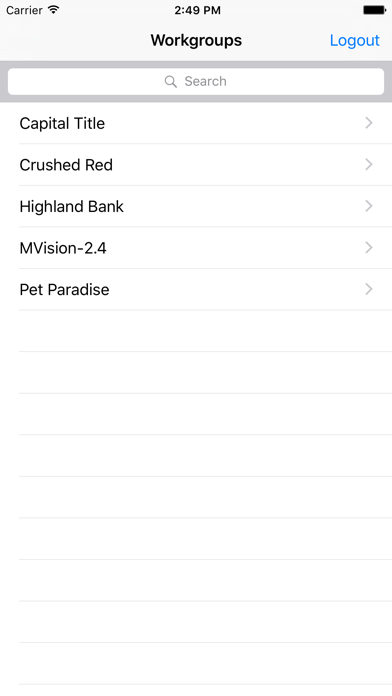
Hands-On Impressions: Performance, Battery, and Thermals
Testing utility apps of this caliber on modern Apple hardware immediately highlights the benefits of robust native coding. Running this beta on an iPhone 15 Pro paired with a 120Hz ProMotion display yields butter-smooth scrolling through configuration menus and instant feedback upon touch interaction.
Because the application relies heavily on local wireless networking and continuous packet transmission during player discovery, battery consumption remains a notable factor. Fortunately, the app goes idle gracefully in the background, consuming minimal power once your player configuration session concludes.
"Deploying digital signage hardware used to require a rat's nest of USB keyboards and dedicated monitors; utilizing a streamlined iOS utility completely shifts the paradigm of on-site technician efficiency." — Codewing Field Tester
System Requirements & Requested Permissions
Compatibility remains exceptionally broad given the utility nature of the software, officially supporting any device running iOS 8.0 or later. However, to experience the absolute snappiest UI rendering and instantaneous local network discovery, we recommend pairing the app with modern Apple Silicon hardware.
To function correctly during setup routines, MVision requests permission to discover devices on your local network. This local network privacy prompt is mandatory for locating physical hardware players over Wi-Fi, operating securely within Apple's strict sandboxing framework without compromising your broader personal data.
Pros & Cons: Beta Impressions
✓ The Highs (What We Love)
- Rapid Deployment: Drastically cuts down hardware setup time in commercial environments.
- Clean Interface: Stripped-back utility UI prioritizes readability and function over unnecessary fluff.
- Reliable Discovery: Fast local network handshakes ensure players pop up instantly.
✕ Beta Caveats (Room for Polish)
- Network Dependency: Requires stable Wi-Fi environments to maintain uninterrupted setup routines.
- Niche Focus: Utility has zero standalone entertainment or casual consumer value.
- Diagnostic Depth: Advanced log exporting tools could use clearer error text formatting.
Current TestFlight Slot Situation & Availability
Apple enforces strict limits on external beta testing programs, capping public TestFlight links at 10,000 active participants. Because commercial utilities like MVision are vital for field technicians and enterprise integrators, slots on these distribution lists tend to fluctuate rapidly.
If you tap the invitation link and find that the build is currently at maximum capacity, do not panic. Developers routinely prune inactive testers or expand their internal allocations as deployment phases progress toward public App Store release.
Step-by-Step TestFlight Installation Guide
Getting your hands on this beta build requires just a few straightforward steps using Apple's official testing application. Follow this sequence to get the app running on your device in under two minutes:
1. Open the App Store on your iOS device and download the official, free Apple TestFlight application if you do not already have it installed.
2. Tap our direct Codewing TestFlight invitation link provided at the bottom of this page to launch the registration sequence automatically.
3. Accept the beta program terms and conditions presented by Apple to authorize your device for pre-release builds.
4. Tap the Install button to download the MVision package directly onto your iPhone or iPad home screen.
5. Open the app, test your player provisioning workflows, and utilize the built-in TestFlight feedback mechanism to report any bugs directly to Mood Media Corporation.
Frequently Asked Questions
Is MVision safe to install via TestFlight?
Yes, absolutely. Every TestFlight build distributed through official Apple channels must pass Apple's automated and manual security reviews, operating strictly inside isolated iOS sandboxes.
What should I do if the MVision beta is full?
If the 10,000-user capacity ceiling has been reached, bookmark this Codewing page and check back during off-peak hours when slots periodically open due to inactive user purging.
Will installing this beta overwrite my App Store version or delete save data?
TestFlight builds generally install as standalone testing packages or cleanly overwrite existing beta iterations without touching your personal documents or unrelated app data.
How long do TestFlight beta invitations and builds last?
Each individual TestFlight build remains active for 90 days from the initial upload date before expiring, requiring routine updates through the TestFlight app interface.
Are in-app purchases free during TestFlight beta testing?
Any transactional features or enterprise licensing checks integrated into a TestFlight utility run inside a simulated sandbox environment, meaning no real-world charges occur.
Final Editorial Verdict
MVision successfully cuts through the friction traditionally associated with configuring commercial media hardware. For field technicians and system administrators, having this tool right on an iPhone or iPad is an absolute game-changer.
Editorial Rating: 4.2 / 5 — Essential utility for enterprise deployers looking to streamline hardware setup workflows.
Developer Support & Official Resources
Stay updated on patch notes, maintenance windows, and feature roadmaps directly from the official developer channels.
Never miss an opening for MVision.
Apple limits TestFlight betas to 10,000 testers, and this program is currently at capacity. CodeWings Plus continuously monitors slot availability 24/7 and sends you an instant alert the second a spot opens up.




