How to Join Voxel Max - 3D Modeling Beta on iPadOS

About Voxel Max - 3D Modeling
Build, paint, render, and export detailed voxel worlds on iPhone, iPad, and Mac.
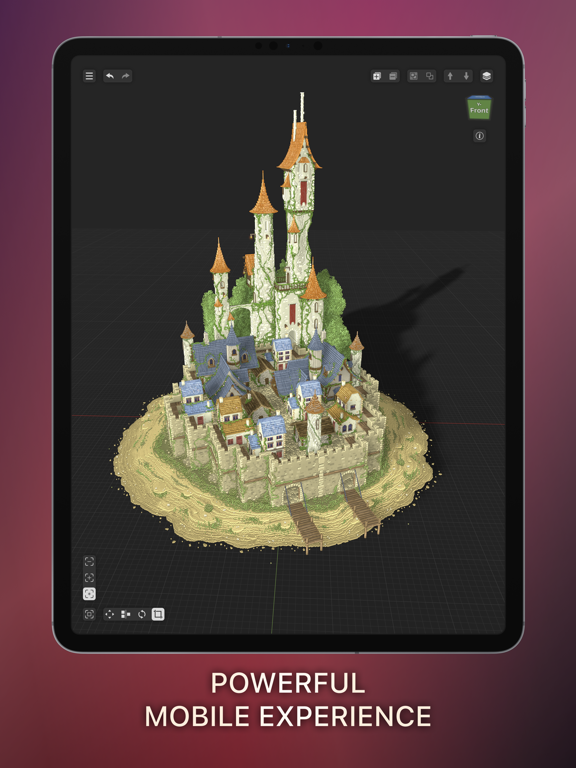
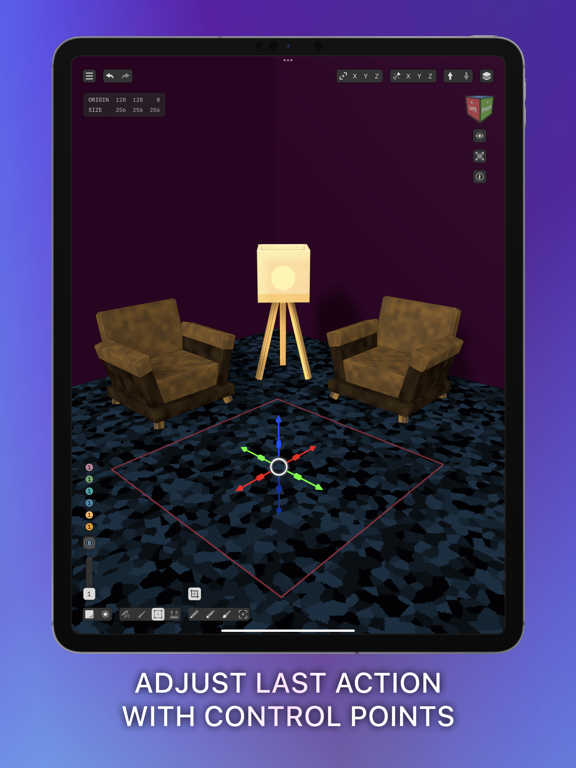
Voxel Max combines approachable controls with powerful tools for artists, game developers, hobbyists, and first-time creators. Place individual voxels, drag to build larger forms, or use fast shape brushes to block out ideas quickly. Start from scratch or begin with a library of prefab people, furniture, vegetation, architecture, and more.
BUILD AND EDIT
- Create in a 256 × 256 × 256 voxel workspace
- Paint with fast SDF brushes and pressure-sensitive controls
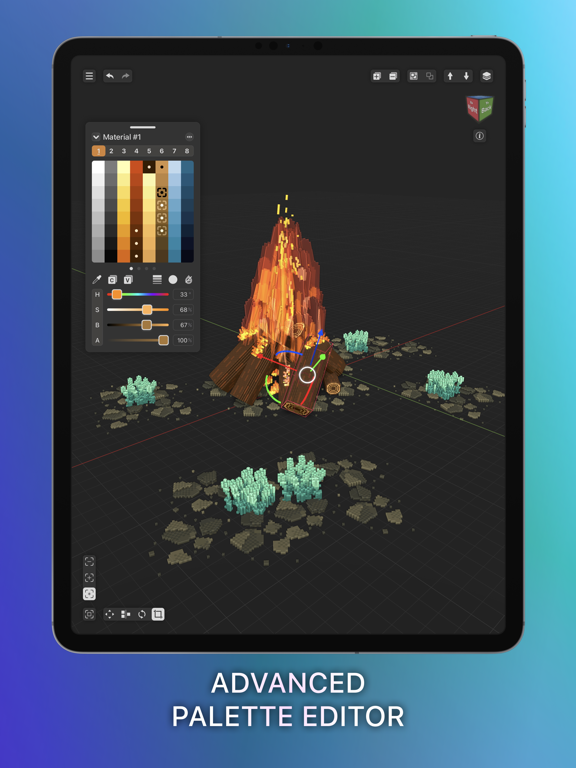
- Combine 255 colors with eight material layers for up to 2,040 color-and-material variations
- Fine-tune textures, materials, and visual effects
- See material changes rendered in real time
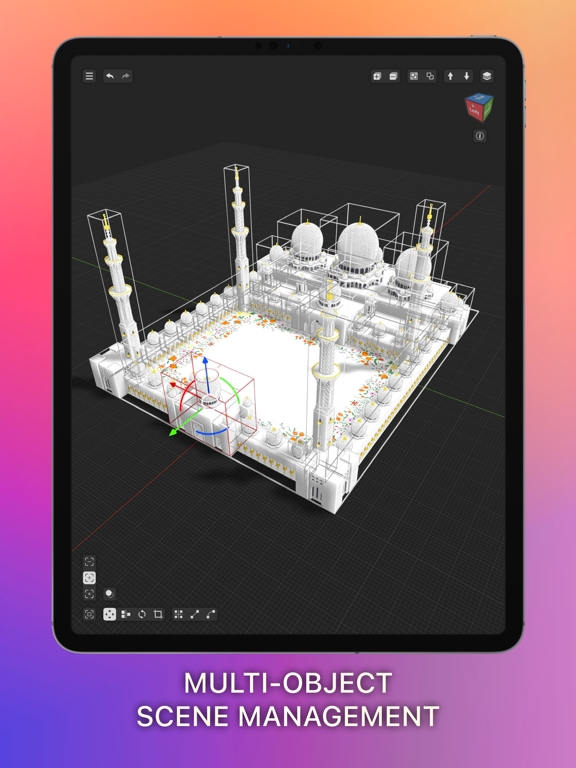
- Zoom in for precise edits or out to manage complete scenes
- Save creations as reusable assets for cloning and scene building
RENDER AND PRESENT
- Preview creations in augmented reality on iPhone and iPad
- Capture photos and videos of your work in the world around you
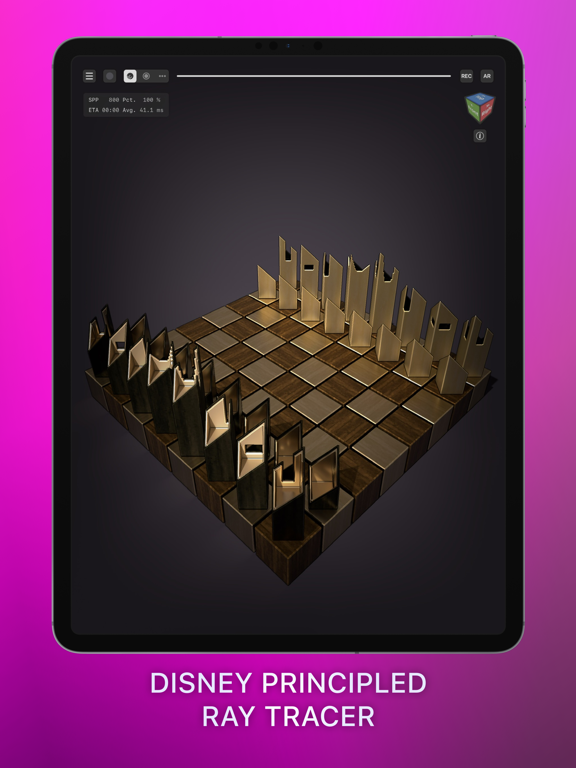
- Use ray-traced lighting and shadows on supported Metal GPUs
- Explore Marching Cubes, Outline, and Curvature rendering effects
- Add backgrounds and replay your build as a time-lapse in Presenter View
IMPORT, EXPORT, AND SHARE
- Import and export MagicaVoxel and Qubicle scenes
- Import USDZ and GLB scenes and convert them into editable voxel art
- Export PNG, Voxel Max Asset Pack, SCNZ, DAE, FBX, GLB, OBJ, STL, and USDZ
- Work across iPhone, iPad, and Mac with iCloud syncing
FOUNDRY
Turn images into 3D assets with Foundry AI, and scan real-world objects on supported devices. AI generation may require a third-party account.
From a single voxel to a complete scene, Voxel Max gives you the tools to create wherever inspiration strikes.